Sign in with Google — and fix sign-in problems
Cali-Graf signs you in with your Google account — there’s no separate password. The first sign-in creates your account; Cali-Graf gets only your name, email and photo from Google.
Any Google account works — Gmail or a Google Workspace address at your company. Use the same account every time: your calculations belong to the account you signed in with.
Sign in
Open Cali-Graf
Go to cali-graf.com. You’ll see Sign in to Cali-Graf.
Press Continue with Google
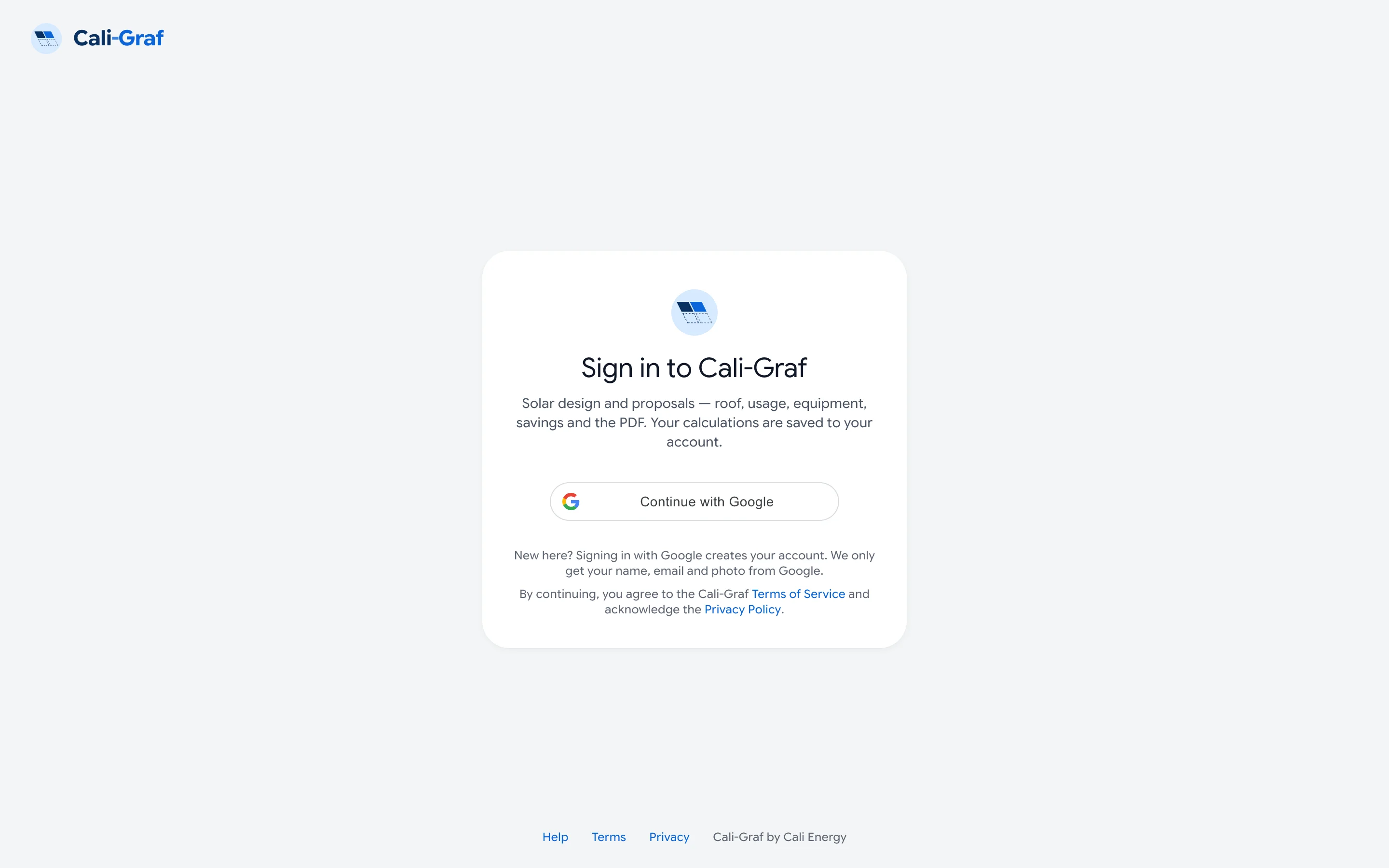
The sign-in page. The first sign-in also creates your account. Google opens a small window. Pick your account or sign in to Google there. If nothing opens, your browser blocked the pop-up — allow pop-ups for cali-graf.com and press the button again.
Wait a second
You’ll see Signing you in…, then your list of calculations. The first time, this also creates your account — there’s nothing else to fill in.
How long you stay signed in
On your own computer you stay signed in for 30 days after you last used Cali-Graf, so you rarely see the sign-in page. On a shared computer, sign out when you finish: in Calculations, press your photo in the top right corner and pick Sign out.
If the sign-in runs out while you work, Cali-Graf sends you to the sign-in page and brings you back to the same screen afterwards. Changes you made in the calculator wait in the browser and save once you’re back — see How your work is saved.
If sign-in doesn’t work
| What you see | What to do |
|---|---|
| Google sign-in didn't go through — reload the page and try again | The sign-in took too long or started in another tab. Reload the page and press the Google button once. If it keeps happening, sign out of Google in this browser, sign back in and try again. |
| This account is turned off | This Cali-Graf account was switched off. Write to calisolargroup@gmail.com from the same email address. |
| Too many requests — try again in … | Too many sign-in attempts from your network in a few minutes. Wait the time shown, then try once. |
| Could not reach the Cali-Graf server. Check that it is running. | Your internet connection dropped or the service is briefly down. Check the connection and reload the page in a minute. |
Can I sign in with an email and password instead?
No. Cali-Graf uses Google sign-in only, so there’s no password to create, remember or reset.
I signed in with a different Google account and my calculations are gone
They’re in the other account. Sign out and sign in with the Google account you used before. Calculations can’t be moved between accounts yet.
Was this helpful?
Thanks — it helps us make this page better.
Updated