Use Cali-Graf on a phone or tablet
Cali-Graf works in the browser on a phone or tablet — calculations, the roof editor and the PDF. On a phone the roof editor keeps its tools in a menu; trace complex roofs on a computer or tablet.
There’s no app to install. Open cali-graf.com in Safari or Chrome and sign in with the same Google account — the same calculations are there, and a change on the phone shows on the computer.
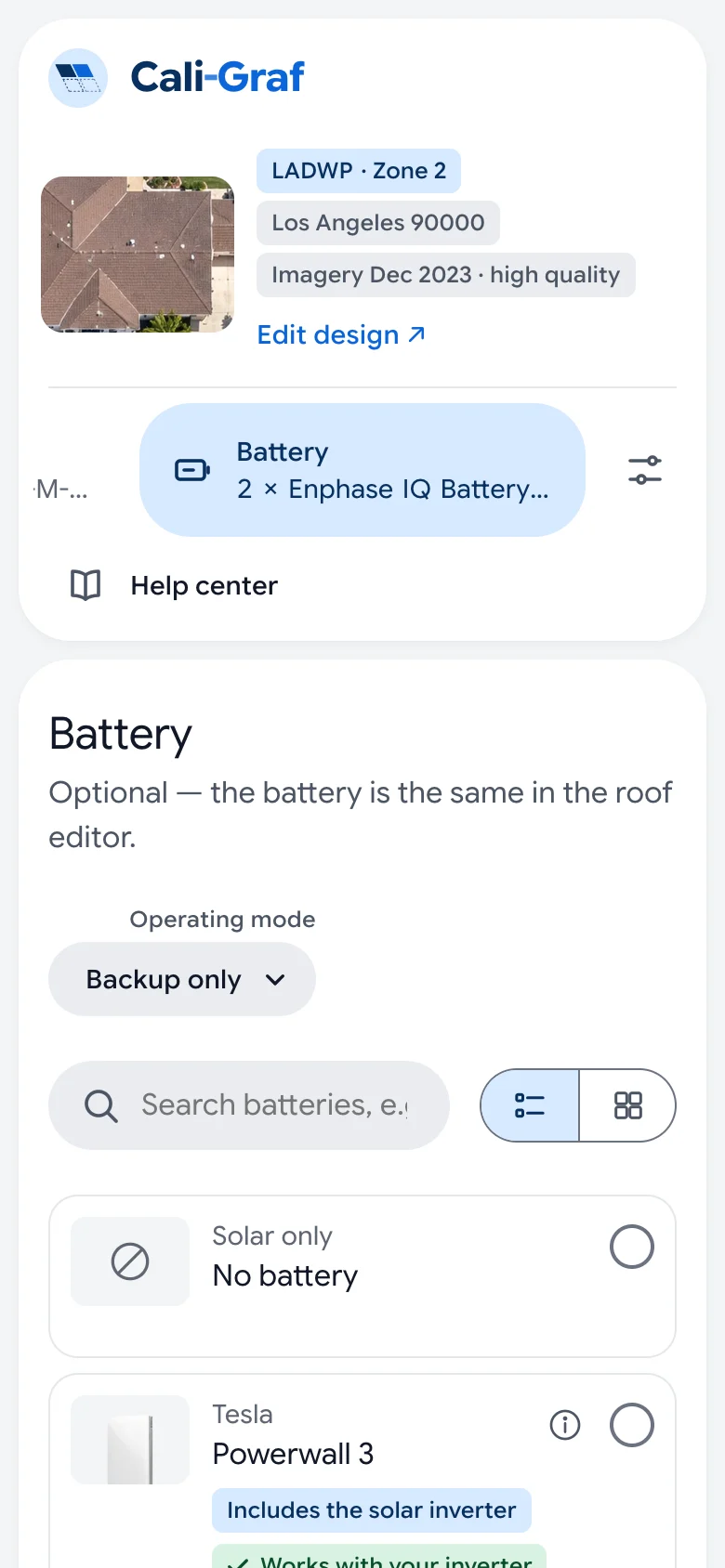
Calculator on a phone
The sections — Roof, Usage, Panels, Inverter, Battery, Price & settings and Result — line up in a row at the top. Swipe the row sideways to reach the next one; the section opens below it. Everything works the same as on a computer, including Calculate and Save PDF. The PDF goes to the phone’s downloads, ready to send. Help center sits under the row of sections.
Roof editor on a phone
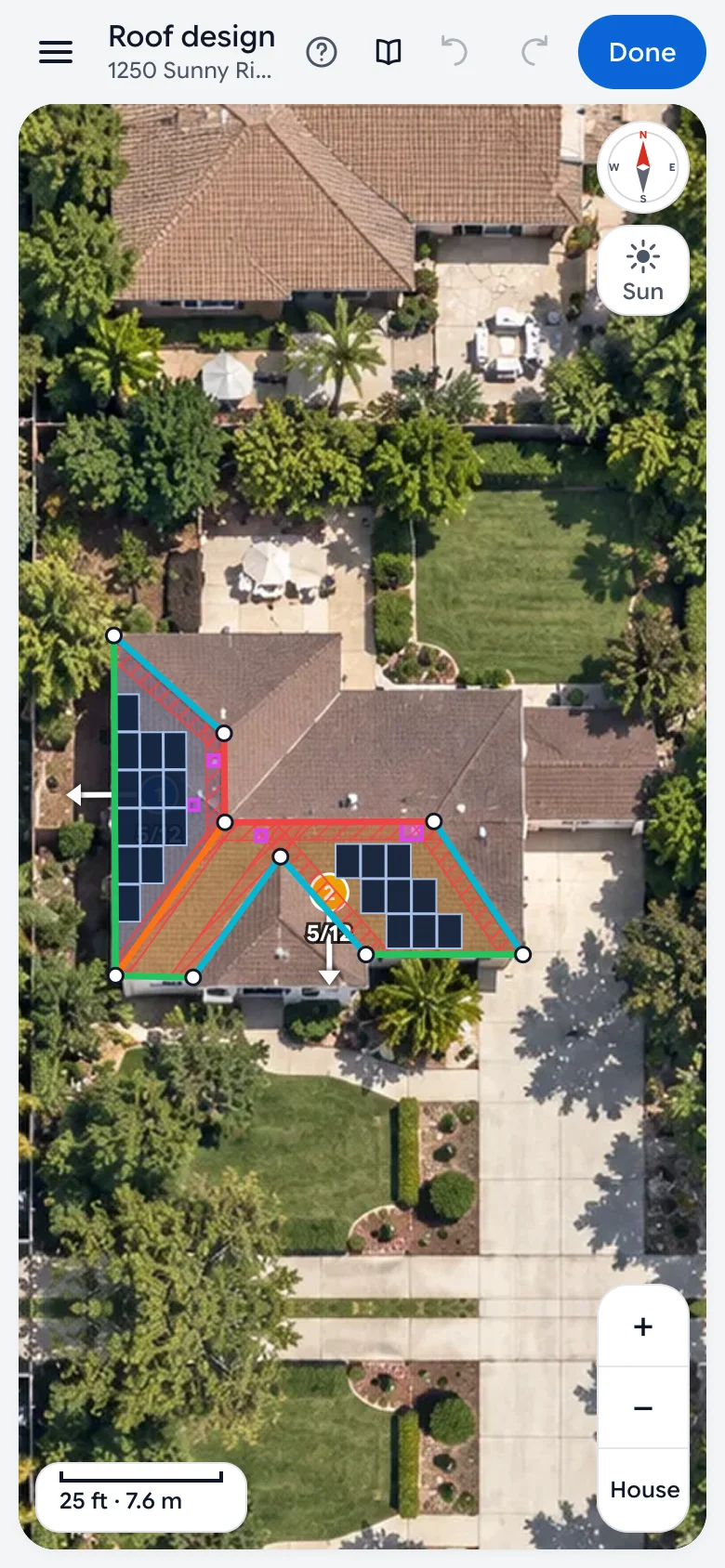
The aerial image fills the screen. Drag one finger to move the map and pinch to zoom. Tools and their settings sit in the menu: press the menu button in the top left corner (Tools and settings), pick a tool, then close the menu and tap on the roof. Tap the corners of a face to trace it.
When you select a face, an edge, an obstacle or a panel, an Edit … button appears at the bottom — it opens the menu on that item’s settings. Drag a panel to move it. Saved versions are under History in the menu. Press Done to go back to the calculator.
Tablet
On a tablet you get the computer layout: tools on the left, settings on the right. Tap where you’d click and pinch to zoom.
What’s easier on a computer
Keyboard shortcuts, selecting several panels with Shift and nudging panels with the arrow keys need a keyboard and mouse. Tracing a roof with many faces is also faster with a mouse. A good split: find the home and check the roof on site with the phone, finish the design on a computer.
Was this helpful?
Thanks — it helps us make this page better.
Updated